Forms your customers actually finish, inside the chat they already trust.

A WhatsApp Flow is a guided, interactive form that opens right inside a WhatsApp chat. Customers tap through dropdowns, dates and choices instead of typing, and every answer comes back as structured data: into HubSpot, where it can trigger a workflow, or into Flowella and your own systems by webhook. No app to download, no landing page, no copy and paste.

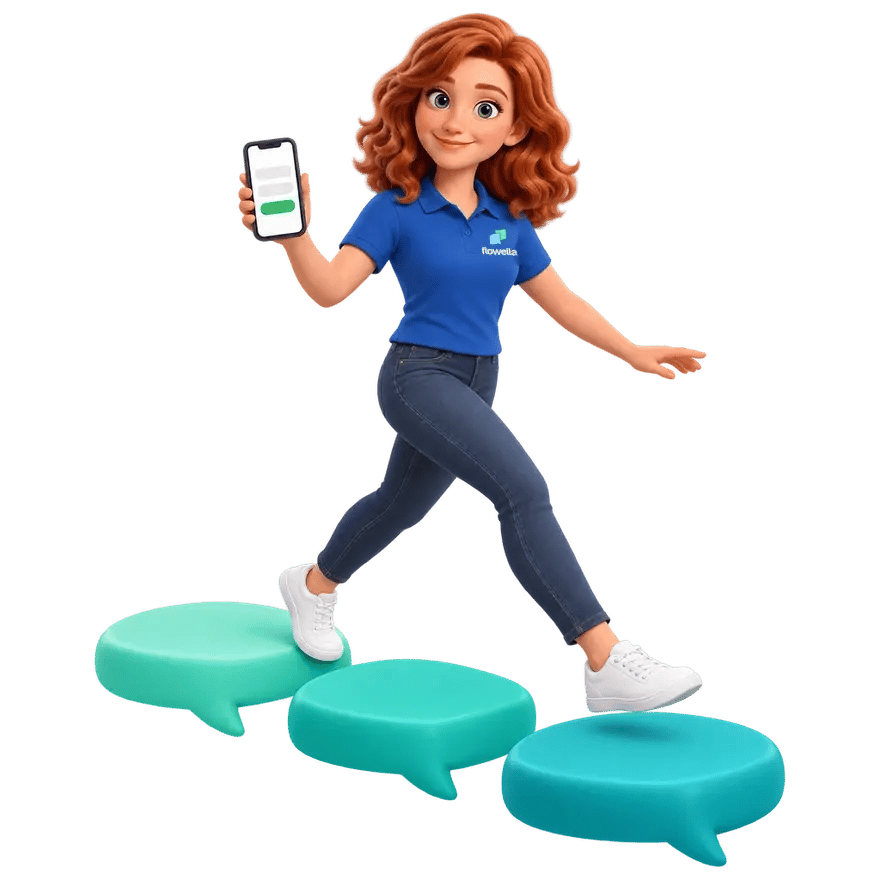
Build from scratch, or from a HubSpot form Flo, the Flowella mascot, striding across floating chat-bubble stepping stones and holding up a phone that shows a short form
Completed so far
100K+ WhatsApp Flows
Build it
From scratch, or from a HubSpot form
Answers land in
HubSpot, Flowella or your webhook
Opens from
Links, QR codes and Click-to-WhatsApp ads

A real form, opened inside the conversation.

Send a message, the customer taps a button, and a multi-screen form opens without leaving WhatsApp. They answer with familiar controls, dropdowns, date pickers and single taps, then submit. It feels like a quick chat rather than paperwork, which is exactly why people finish it.

  1. You send a message with a button
  2. They tap it, and the form opens over the chat
  3. Screen 1 asks what to insure
  4. Screen 2 follows the answer
  5. Screen 3 books the call
  6. They submit, still inside WhatsApp
Acme InsuranceBusiness account
Sample data

Today

Acme InsuranceCar, home and pet cover. Tap to chat.Hi, could I get a quote for insurance?
Thanks for tapping our ad, Anna.
Happy to help with cover. Three quick screens and we’ll call you with a quote.

Tap Get a quote to open the Flow. Your first answer decides the second screen.

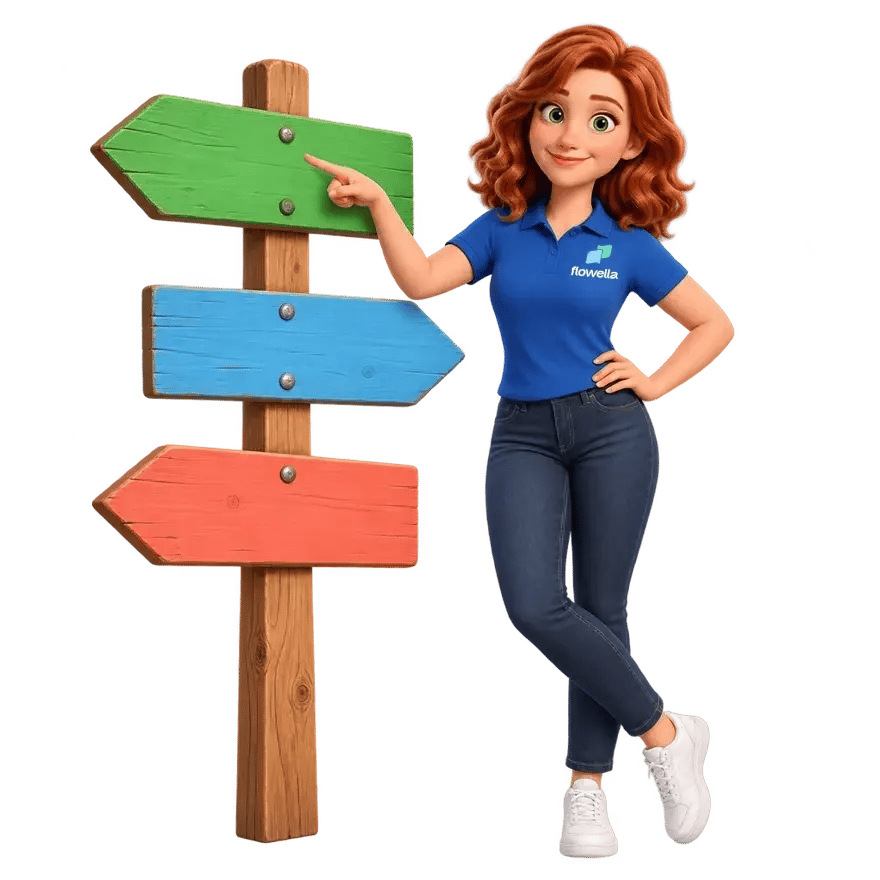
Flo pointing along one of three signpost arrows, the way one answer picks the next screen

The web form, and the WhatsApp Flow.

The job is the same, collect an answer. The experience, and what you get back, are not.

Click out, and hope they come back.

You send a link. They leave the chat, wait for a page to load, pinch and zoom on a phone, and many give up before the end. What does arrive is often half complete.

A link to a web form

Six messages over 4 hours 54 minutes. Still no renewal.

  • Context switch out to a browser
  • Slow or clumsy on mobile
  • Abandoned halfway through
  • Leaves the chat
  • Page load
  • Drop-off

Stay in the chat, and finish in seconds.

The form opens where the conversation already is. Guided steps, native controls and nothing to load, so more people complete it and the answers come back clean.

A WhatsApp Flow
CancelRenew with Acme

Pick the plan that suits you. We’ll auto-renew and send your receipt here in WhatsApp.

  • About 30 seconds
  • With the membership team
  • Receipt sent here after renewal
Choose your plan

One screen, about 30 seconds. Try it yourself.

  • No app, no link, no waiting
  • Guided, tap-first steps
  • Finished in one sitting
  • Stays in chat
  • Instant
  • Higher completion

Every answer arrives as structured data.

This is where a Flow pulls ahead of an ordinary chat. Each answer maps to a HubSpot property, so a booking or enquiry lands as clean fields on the contact record, not a paragraph someone has to read and retype. From there a workflow can fire instantly, confirming by WhatsApp, assigning an owner and adding the contact to the right list. Not on HubSpot? Each answer keeps a permanent field ID, so it lands the same way in Flowella, in a CSV export or at your own webhook.

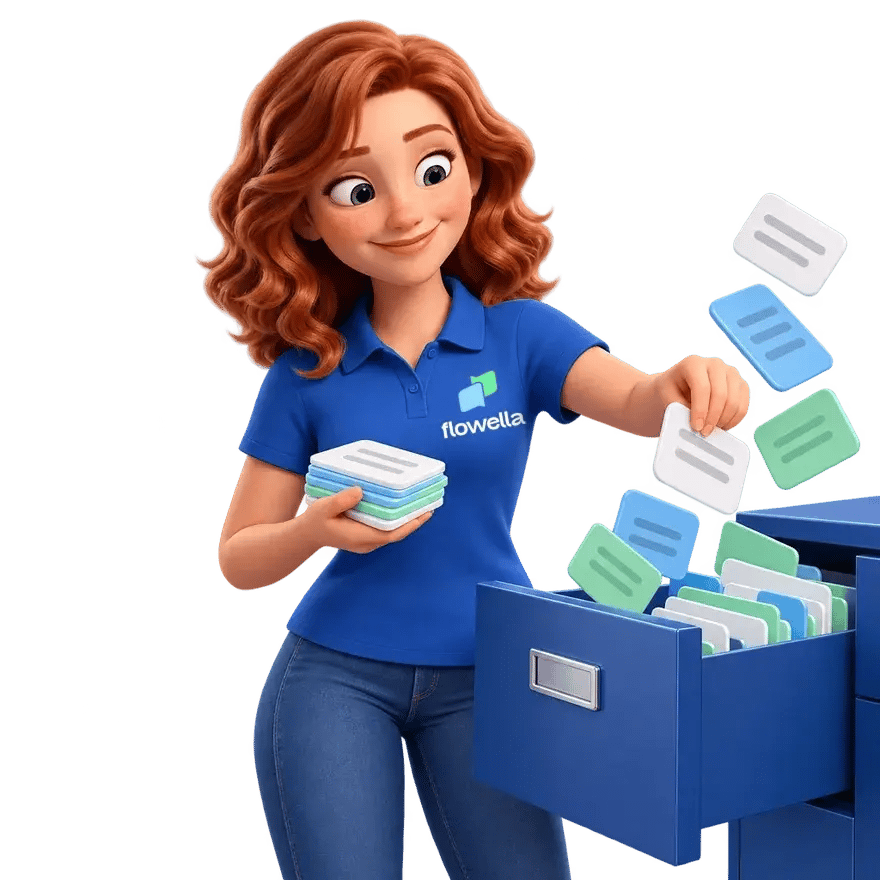
Flo filing small data cards into a blue filing drawer
Runs on HubSpot’s free tier
Anna PriceHubSpot contact record
service
consultation
preferred_date
2026-10-24
preferred_time
morning
whatsapp_consent
true
phone
+44 7700 900123From the chat, never asked

5 of 5 properties writtenWritten by Flowella

New booking workflowDone
  1. Flow submittedBook a consultation
  2. Confirm on WhatsAppYou’re booked: consultation, Saturday 24 October, morning. Reply here if you need to change it.
  3. Branch on serviceConsultation
  4. Assign an ownerConsultations team
  5. Add to a listConsultations, October

Press Book now to send Anna’s answers.

What teams build with Flows.

Anywhere you need a clean answer from someone, a Flow tends to beat a form or a back and forth. Pick a use case to see its first screen.

  1. What the Flow does
    A few tap-through questions to size and route the lead
    What lands in HubSpot
    A scored, segmented contact ready for sales
    Lead capture and qualify playbook
  2. What the Flow does
    Pick a service, date and time inside the chat
    What lands in HubSpot
    A confirmed slot with a reminder workflow
    Meeting booking playbook
  3. What the Flow does
    Register and choose preferences in seconds
    What lands in HubSpot
    An attendee added to the right event list
    Event and webinar reminders playbook
  4. What the Flow does
    Collect details step by step, no portal login
    What lands in HubSpot
    Structured fields, with no manual entry
    Customer onboarding playbook
  5. What the Flow does
    Ask with ratings and choices, not open text
    What lands in HubSpot
    Quantified responses you can report on
    NPS and CSAT playbook
  6. What the Flow does
    Confirm and adjust an existing order by tapping
    What lands in HubSpot
    An updated deal, ready for automation
    Membership renewals playbook

Lands in HubSpot

  • team_size11-50
  • main_goalmore_leads
  • lifecyclestagesalesqualifiedlead

Lands in HubSpot

  • serviceconsultation
  • appointment_date2026-10-24
  • Reminder workflow, the day before

Lands in HubSpot

  • open_day_sessionmorning_tour
  • subject_interestsscience;arts
  • Added to the list: Open day, 24 October

Lands in HubSpot

  • firstnameAnna
  • lastnamePrice
  • coursebusiness_level_3

Lands in HubSpot

  • visit_rating5
  • rating_reasonstaff

Lands in HubSpot

  • dealstagereorder_confirmed
  • quantity2
  • delivery_windownext_week

In our customers’ words.

Exceptional engagement platform that transformed our student conversion with 160% increase in same-day applications and 90% WhatsApp response rates.

Peter Hudson Peter HudsonDirector of Admissions, Brand & Customer InnovationHubSpot Marketplace integration Oaklands College

Game-changing donation campaign tool that delivers personal WhatsApp engagement with seamless automation and dramatically better completion rates.

Lawrence Tribe-Endt Lawrence Tribe-EndtCommercial Director, Countryside AllianceCustomer.io through the Flowella API Countryside Alliance

Straight answers.

The questions that usually come up.

Do customers need to install anything?

No. A Flow runs inside the WhatsApp people already have. There is no app to download and no link to a separate website.

If someone replies from a laptop, the Flow opens in WhatsApp Web or Desktop, where some controls look a little different. How Flows render on WhatsApp Web and Desktop

How is this different from a chatbot?

A chatbot collects free text that someone still has to read and interpret. A Flow uses real form controls, so each answer is a known value that maps straight to a field, or to a HubSpot property.

Where do the answers go?

Two ways, and you choose. A Flow built from a HubSpot form sends each answer back to HubSpot as a submission of that form, on the contact record, where it can trigger a workflow straight away.

A Flow built in the Flowella designer stores every submission in Flowella, against the version the contact completed. You can export them as CSV, or send each one to your own systems by webhook.

How HubSpot forms sync to WhatsApp Flows and the Flow designer

Do I need a developer to build one?

No. Build a Flow on a blank canvas in the Flowella designer, with a live phone preview, or start from a HubSpot form you already use and Flowella turns it into a native WhatsApp Flow. Either way, the people who own the form can build the Flow, and setup takes about 30 minutes.

The setup guide and form design tips for Flows

Can a Flow have more than one screen?

Yes. In the Flowella designer you can show or hide fields based on earlier answers, send people to a different screen depending on what they chose, and give each path its own ending and completion message. However many screens it has, a Flow counts as one billable message.

Logic and routing in the Flow designer and plans, limits and what counts

Can I build a Flow without HubSpot?

Yes. The Flowella designer builds a Flow without a HubSpot form, and it works with Flowella on its own. Answers stay in Flowella, as CSV exports or at your webhook. If you use HubSpot forms, sync one instead, and the answers come back to HubSpot.

Build a Flow in the designer

What happens when I change a published Flow?

Every publish is a new version, and the version already live never changes. A template keeps opening the version it was built with, so nobody sees a Flow change halfway through a campaign, and each submission is kept against the version the contact completed.

What can trigger a Flow being sent?

A reply, a campaign, a QR code or a HubSpot workflow can all send the message that opens the Flow.

Entry points: links, QR codes and Click-to-WhatsApp ads and sending Flows from HubSpot workflows

Flo winking and pointing at the WhatsApp QR code printed on the card she is holding up
Scan Flo’s card to try a live Flow on WhatsApp. On your phone? Open it in WhatsApp (opens in a new tab)
Flo jumping for joy with her fist in the air and a phone in her hand

Turn a conversation into structured data.

Build a Flow from scratch, or pick a HubSpot form you already use. Live in 30 minutes, with a free 14-day trial and no card.

Book a Flowella demo · 30 minutes on Teams