
Lead capture that qualifies itself. From click to pipeline on WhatsApp.
Turn a form fill, an ad click or a QR scan into a short WhatsApp qualification Flow. Capture intent, score the replies and route sales-ready leads before the moment cools.
How Oaklands College grew same-day applications by 160%Two quick taps, and sales knows who’s ready.

- Trigger
- A form, an ad click or a QR scan
- Channel
- WhatsApp, with the answers in HubSpot
- Workflow
- 3 templates, 1 Flow, 1 branch
- Needs
- HubSpot workflows, on Professional or Enterprise
Step through the play as the lead.
Jordan, a prospect, reaches you from a form, an ad or a QR code. Each step shows what he sees on WhatsApp and what lands on his HubSpot record, from the first message to the hand-off. Your taps decide the branch. The answers and the score are custom properties the play creates.
Leads come from a form, an ad or a QR code. Pick one.
Leads come from a form, an ad or a QR code. Pick one. Five minutes later, the opener lands on WhatsApp. An ad lead messages first, so the opener goes back at once. A scan sends a message, so the opener goes back at once. Answer as Jordan. Your taps decide the branch. Three answers, three clean properties. 100 points. 60 or more, so sales gets this one. 100 points. Under 60, so nurture keeps it warm. Handed to Sam in the same session. Goal met. No pressure, just the right guide. Goal met.
-
Yes, 60 or more: hand off to sales
No, under 60: keep them warm
-
Hand-off: an owner, then
lead_handoffNurture:
lead_nurtureand a list
A
Acme StudioBusiness account
Sample dataToday
The opener lands here
JL
Jordan Lee
Brightwell, +44 7700 900123
Sample dataProperties
flowella_entry_ point - No valuedirectStart a project formQR code on your stand
purchase_timeline - No valuejust_researching
budget_range - No value5k_to_20k
project_need - No valueTwo lines of text, the most this row shows of a longer answer
lead_score - No value9050 for timing, 40 for budget
lifecyclestage- leadmarketingqualifiedlead
hubspot_owner_ id - No valueSam PatelRotated to the sales team
Activity
1 of 7 properties written
Step 1 of 5, the trigger: Jordan sends your Start a project form, and the workflow enrols the new contact.
Workflow triggers and actions need HubSpot Professional or Enterprise. Workflow actions guide
Try a live Flow
Scan the code with your phone to open one in WhatsApp. It’s Flowella’s own Flow, not this playbook.
Open it in WhatsApp (opens in a new tab)Acme StudioFrom an ad: Get a project quote within a dayHi, I’d like a quote.
Hi Acme, I scanned the code on your stand.
Thanks for your interestHi Jordan from Brightwell. Two quick questions here, so we can route you to the right specialist. Faster than email ping-pong.Reply STOP to opt out
Tell us about your project
You’re a great fitThanks, Jordan. Based on your answers, we’d love to show you how teams like Brightwell work with us. Sam will take it from here: pick a time that suits you, or read the case study first.Reply STOP to opt outBook a callRead case study
Thanks, Jordan. No rush: here’s our guide for projects that start later, picked from your answers. Reply here whenever you’re ready to talk.Reply STOP to opt outRead the guide
The lead qualification blueprint.
Form, opener, a two-question Flow, then one branch: sales-ready leads go to an owner and the rest stay warm. You build it in a HubSpot workflow, from Flowella’s WhatsApp triggers and actions.
- Trigger
- Send WhatsApp
- Delay
- Branch
- Goal
- 1Numbered note
-
Enrolment triggerA form, an ad or a QR scan
A HubSpot form submission, or the first WhatsApp message from your ad or your code.
-
Delay5 minutes, for form leads
Ad and QR leads messaged first, so their opener goes straight away.
-
Send WhatsApp TemplateThe opener
lead_opener, with the Flow button “Answer two questions”. -
1Delay until event happensForm Completed, up to 2 days
The answers land as
purchase_timeline,budget_rangeandproject_need.No answer in 2 days: the workflow ends. No second ask.
1Ask only two questionsEvery extra question costs replies. Get the two fields sales actually uses.
-
2BranchIs
lead_score60 or more?Timing and budget add up to the score: up to 50 and 40 points.
2Score structured tapsTaps in the Flow write clean HubSpot properties, not free-text notes.
-
YesRotate record to ownerSales team
A named rep, in the same session
3Send WhatsApp TemplateThe hand-offlead_handoff, with Book a call: one round-robin meetings link that puts the owner firstGoalSales qualified leadLifecycle stage set; the rep takes it from here
No4Send WhatsApp TemplateThe nurture messagelead_nurture, with a guide that fitsAdd to static segmentNurture, by timingContent matched to when they plan to start
GoalMarketing qualified leadBack to sales when a later answer clears 60
3Route fastHot leads need a same-session hand-off, not a next-day task.
4Keep nurture usefulLow-urgency leads get resources matched to their answers.
Workflow triggers and actions need HubSpot Professional or Enterprise. The answers land as contact properties on every HubSpot plan, Free included. Workflow actions guide
Copy that gets the answer.
Three WhatsApp templates and the Flow they open carry the whole play. Each one reads well on a phone, and every variable comes from the HubSpot record.
-
lead_openerMarketingEnglish (UK)Sample dataSends 5 minutes after the form, or straight back to an ad or QR lead
Thanks for your interestHi {{first_name}} from {{company_name}}. Two quick questions here, so we can route you to the right specialist. Faster than email ping-pong.Reply STOP to opt outAnswer two questionsThanks for your interestHi Jordan from Brightwell. Two quick questions here, so we can route you to the right specialist. Faster than email ping-pong.Reply STOP to opt outAnswer two questionsConfirms the form and asks for one tap while they still remember filling it in.
-
lead_qualifyWhatsApp Flow1 screenSample dataOpens from the opener’s button, synced from your HubSpot form
AAcmeTell us about your project1 of 1This helps us match you with the right specialist and resources.
When are you looking to start?
This monthIn 1 to 3 monthsJust researchingBudget range
Under £5k£5k to £20k£20k+What problem are you solving? (optional)SubmitAManaged by Acme. Learn more
AAcmeTell us about your project1 of 1This helps us match you with the right specialist and resources.
When are you looking to start?
This monthIn 1 to 3 monthsJust researchingBudget range
Under £5k£5k to £20k£20k+What problem are you solving? (optional)SubmitAManaged by Acme. Learn more
The Flow, Tell us about your project: when are you looking to start (this month, in 1 to 3 months, just researching), budget range (under £5k, £5k to £20k, £20k+) and an optional question, what problem are you solving.
Jordan’s Flow, with in 1 to 3 months and £5k to £20k chosen, and the optional question left blank.
Timing and budget as taps, the need optional. Each answer lands as its own property.
-
lead_handoffMarketingEnglish (UK)Sample dataSends when
lead_scoreis 60 or more, once the owner is setYou’re a great fitThanks, {{first_name}}. Based on your answers, we’d love to show you how teams like {{company_name}} work with us. {{rep_name}} will take it from here: pick a time that suits you, or read the case study first.Reply STOP to opt outBook a callRead case studyYou’re a great fitThanks, Jordan. Based on your answers, we’d love to show you how teams like Brightwell work with us. Sam will take it from here: pick a time that suits you, or read the case study first.Reply STOP to opt outBook a callRead case studyA named owner and one meetings link that puts their times first, sent in the same session as the answers.
-
lead_nurtureMarketingEnglish (UK)Sample dataSends when
lead_scoreis under 60Thanks, {{first_name}}. No rush: here’s our guide for projects that start later, picked from your answers. Reply here whenever you’re ready to talk.Reply STOP to opt outRead the guideThanks, Jordan. No rush: here’s our guide for projects that start later, picked from your answers. Reply here whenever you’re ready to talk.Reply STOP to opt outRead the guideUseful now, no pressure, and the door stays open in the same chat.
Sample templates. Meta approves each template before it can send, and the Send WhatsApp Template action maps HubSpot properties to its variables.
Five things that separate real demand from noise.
The play captures all five, and each lands in HubSpot as something a workflow can read, not a note someone has to interpret.
| Signal | Noise | Real demand | Lands in HubSpot as |
|---|---|---|---|
| When they want to startA start date tells sales who to call today. | Just researching | This month | purchase_timeline |
| What they can spendA range that fits what you sell sorts a project from a wish list. | Under £5k | £20k+ | budget_range |
| The problem they nameTheir own words, on the record before the first call. | Left blank | A named problem | project_need |
| How fast they open itFlowella logs how long the opener took to read. Minutes beat days. | Read days later | Read in minutes | timeToReadSecondsOn the Message read event |
| Whether they finishOnly a finished Flow fires Form Completed, so half-hearted taps never reach sales. | Opened, then left | Every question done | Form CompletedThe Flowella trigger |
Why WhatsApp qualification works.
Lead capture fails when the follow-up arrives after intent fades. WhatsApp keeps the qualification in the same moment as the click.
-
Why speed matters
Fast, conversational qualification catches intent while it is still live, and gives sales cleaner context than a generic form field.
-
How to enhance it
Route by the ad that brought them, match them to their company record, send resources picked from their answers, and notify the owner when a high-fit reply lands.
-
Gotchas
Keep opt-in explicit, limit the questions, avoid duplicate SDR tasks, and leave out contacts already in an open deal.
The point: the lead form starts the conversation; WhatsApp qualifies it.
Captured at an open day, qualified on WhatsApp.
Oaklands College runs Future You, a WhatsApp careers quiz, on Flowella and HubSpot. Students start it by scanning a QR code at open events and school visits.
Exceptional engagement platform that transformed our student conversion with 160% increase in same-day applications and 90% WhatsApp response rates.

Peter HudsonDirector of Admissions, Brand & Customer Innovation, Oaklands College
- 160%increase in same-day applicationsOaklands College
- 90%WhatsApp response ratesOaklands College
Every play, in one playbook.
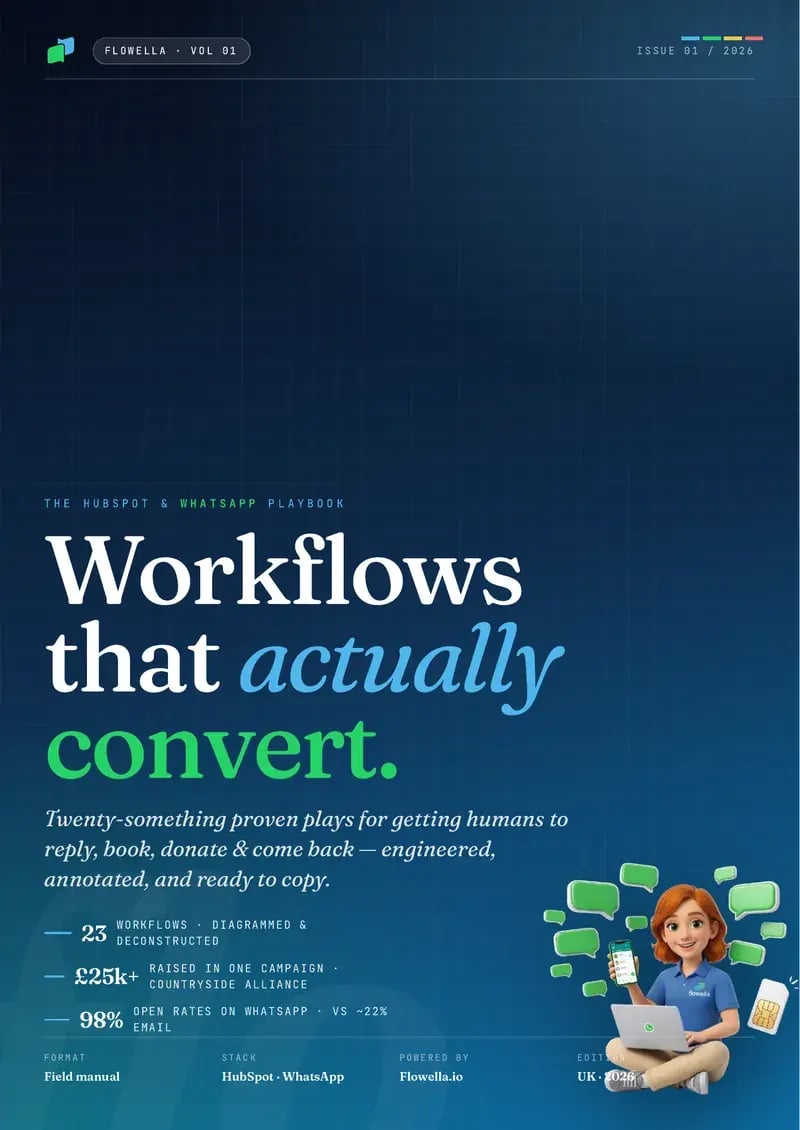
The HubSpot + WhatsApp Playbook, Vol. 01, puts each play on a two-page spread: why and when it works on the left, the blueprint on the right, and the WhatsApp copy ready to paste. Lead Capture & Qualify is one of them.
- Leave your WhatsApp number. Four fields, and no sales call attached.
- A short Flow arrives. It’s a live Flowella Flow, so you see one working.
- The playbook lands in the same chat.
Free. Reply STOP at any time to stop the messages.
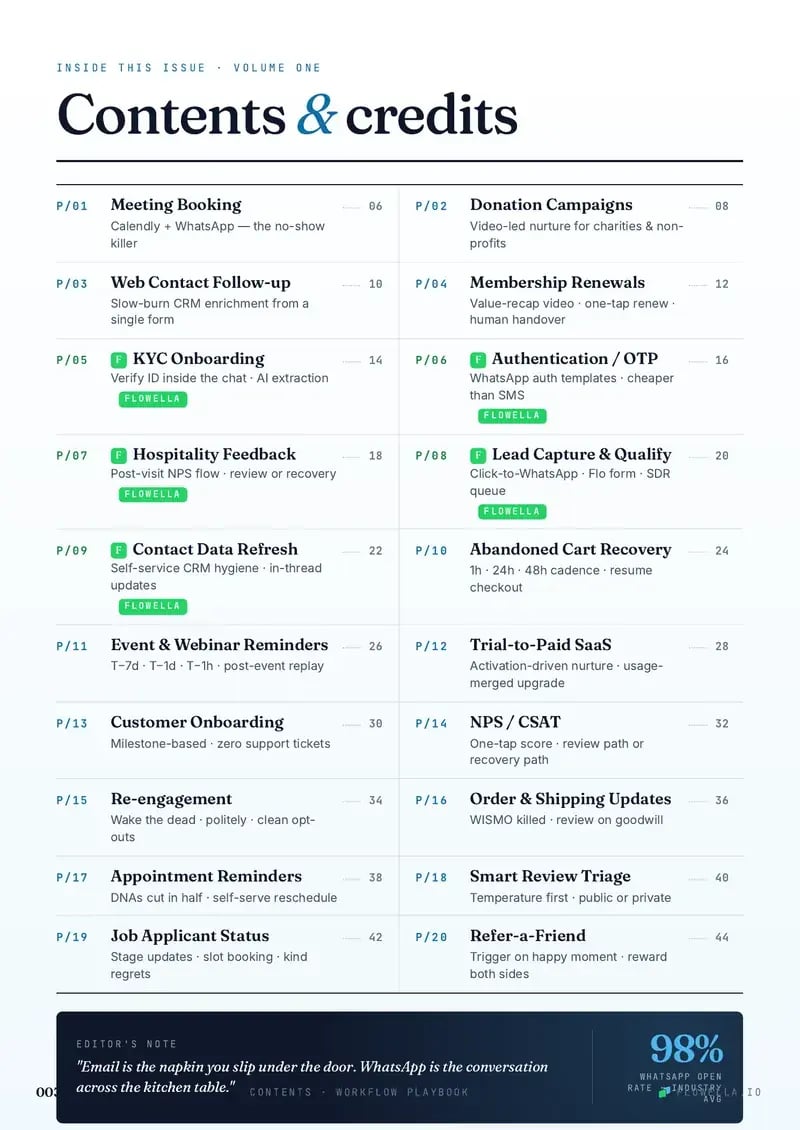
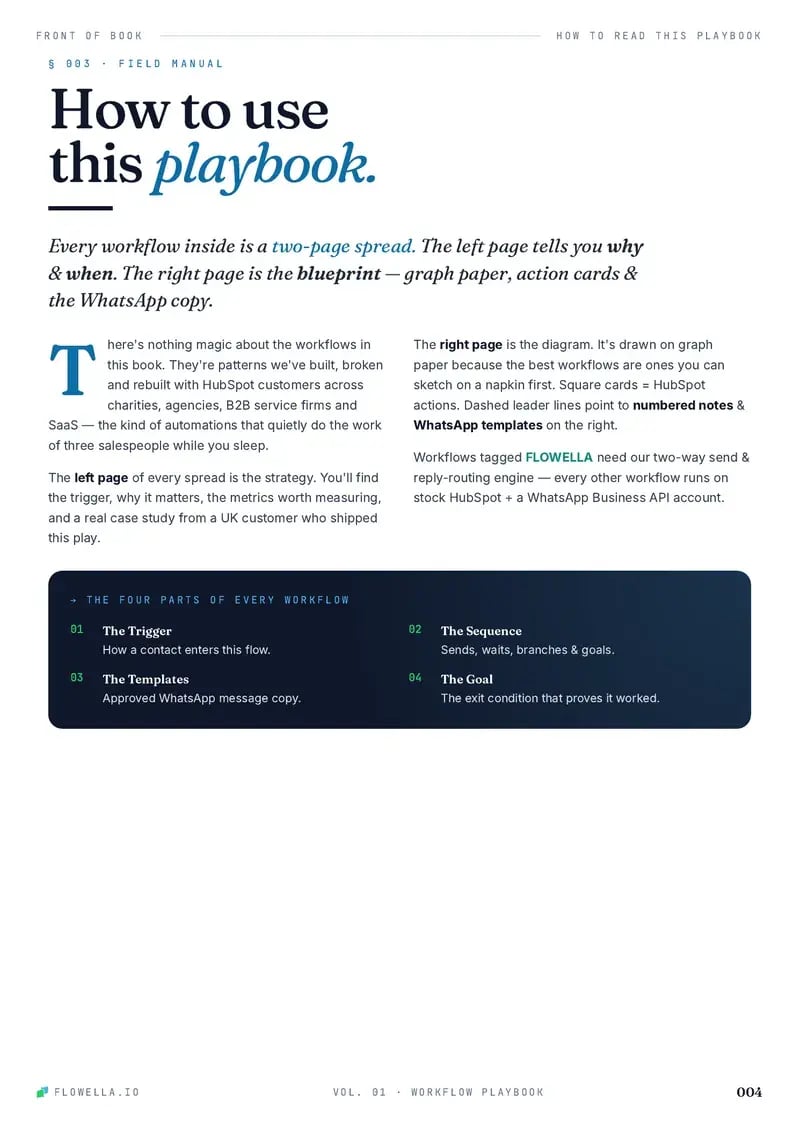
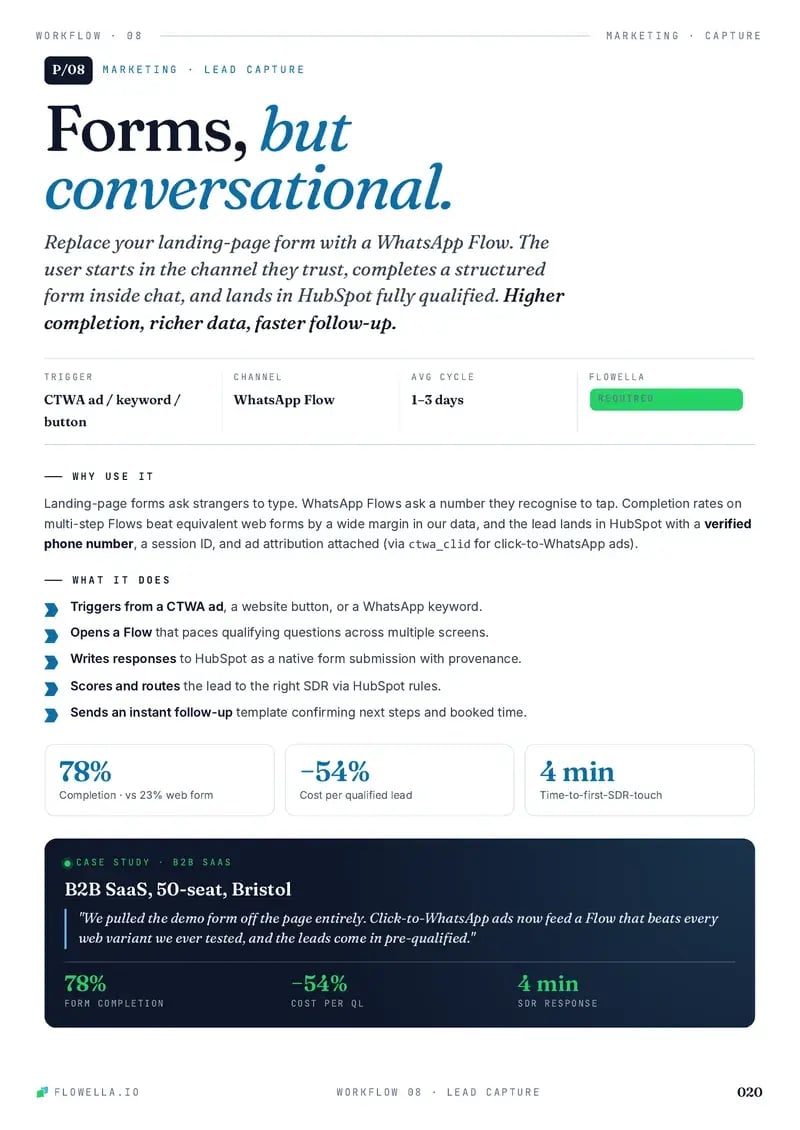
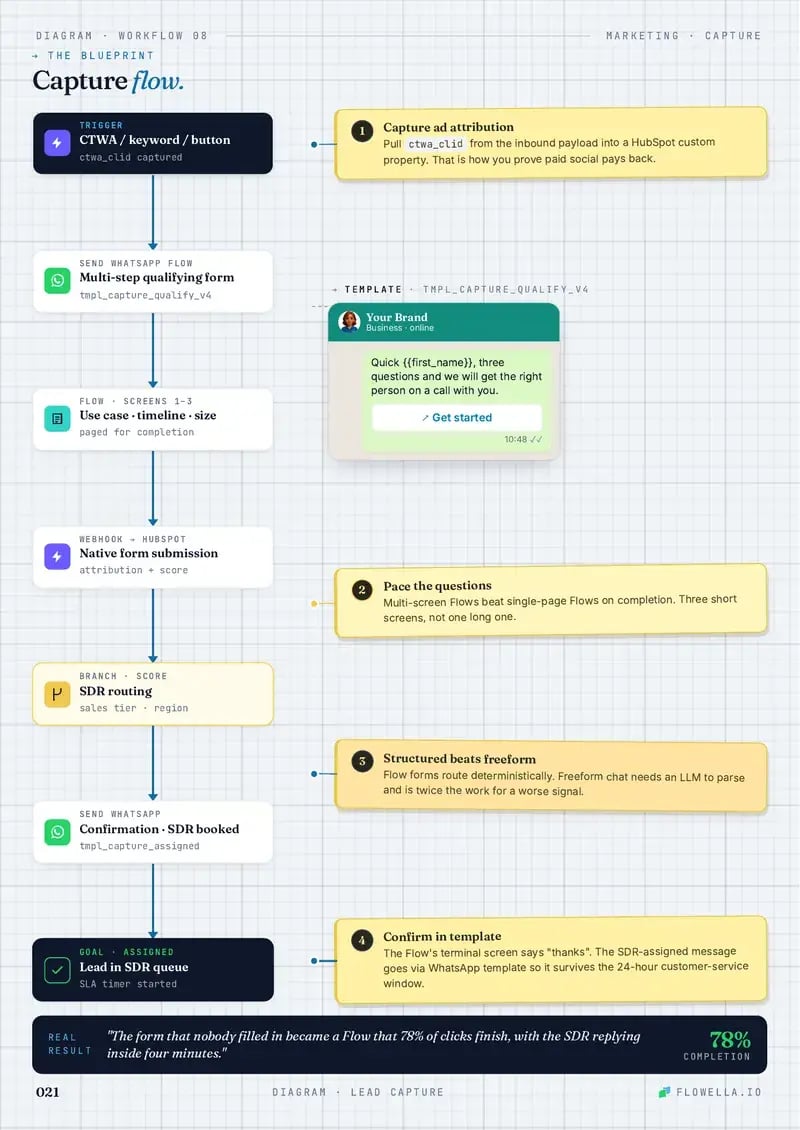

Page 1 of 5The coverPage 1 of 5The coverPage 2 of 5ContentsPage 3 of 5How to read a playPage 4 of 5This play: Lead Capture & QualifyPage 5 of 5The blueprint: Lead Capture & Qualify
Browse playbooks by what you do.
Twenty plays, each a working blueprint. These six sit closest to lead capture.
This play is filed under Sales Marketing Education B2B SaaS Professional Services
-
Web Contact Follow-up
Convert more web enquiries: a two-field form, then WhatsApp questions a tap at a time that enrich HubSpot and qualify the lead before an SDR calls.
- Marketing
-

Meeting Booking Workflow
Book more meetings: a WhatsApp Flow asks the topic and timing, then sends a HubSpot meetings link that shows the right rep’s times, in the same chat.
- Sales
-
Re-engagement
Wake dormant contacts with a WhatsApp preference prompt, branch interest, snooze, and opt-out paths, and clean HubSpot automatically.
- Marketing
- Customer success
-
Event & Webinar Reminders
Fill events and webinars with a WhatsApp invite, a three-tap booking Flow, timed reminders, and the recording for anyone who can’t make it.
- Sales
- Marketing
-

Refer-a-Friend
Turn happy customers into tracked referrals with WhatsApp invites, unique links, friend signup checks, thank-you messages, and two-sided rewards.
- Marketing
- Customer success
-
Customer Onboarding
Guide new customers to first value with milestone WhatsApp prompts, setup nudges, support rescue, and HubSpot onboarding status updates.
- Support
- Customer success

Ship the lead qualifier first.
Turn every captured lead into a WhatsApp qualification path inside HubSpot. Start free today, or book a 30-minute demo and we’ll map this play to your own form.
Or book a 30-minute demo